Prompt library
The Prompts menu keeps prompts as reusable pieces. When you generate, the chosen pieces are joined in a fixed order into one prompt.
Work › character › outfit
Everything lives under a work. Character codes (C001 and so on) are numbered per work, so the same code in two works means two different characters.
- + Work creates a work. It can carry a prompt shared by the whole work (for example
fantasy). - + Character adds a character with its appearance prompt. Put only what never changes with the outfit: hair and eye colour, build and so on.
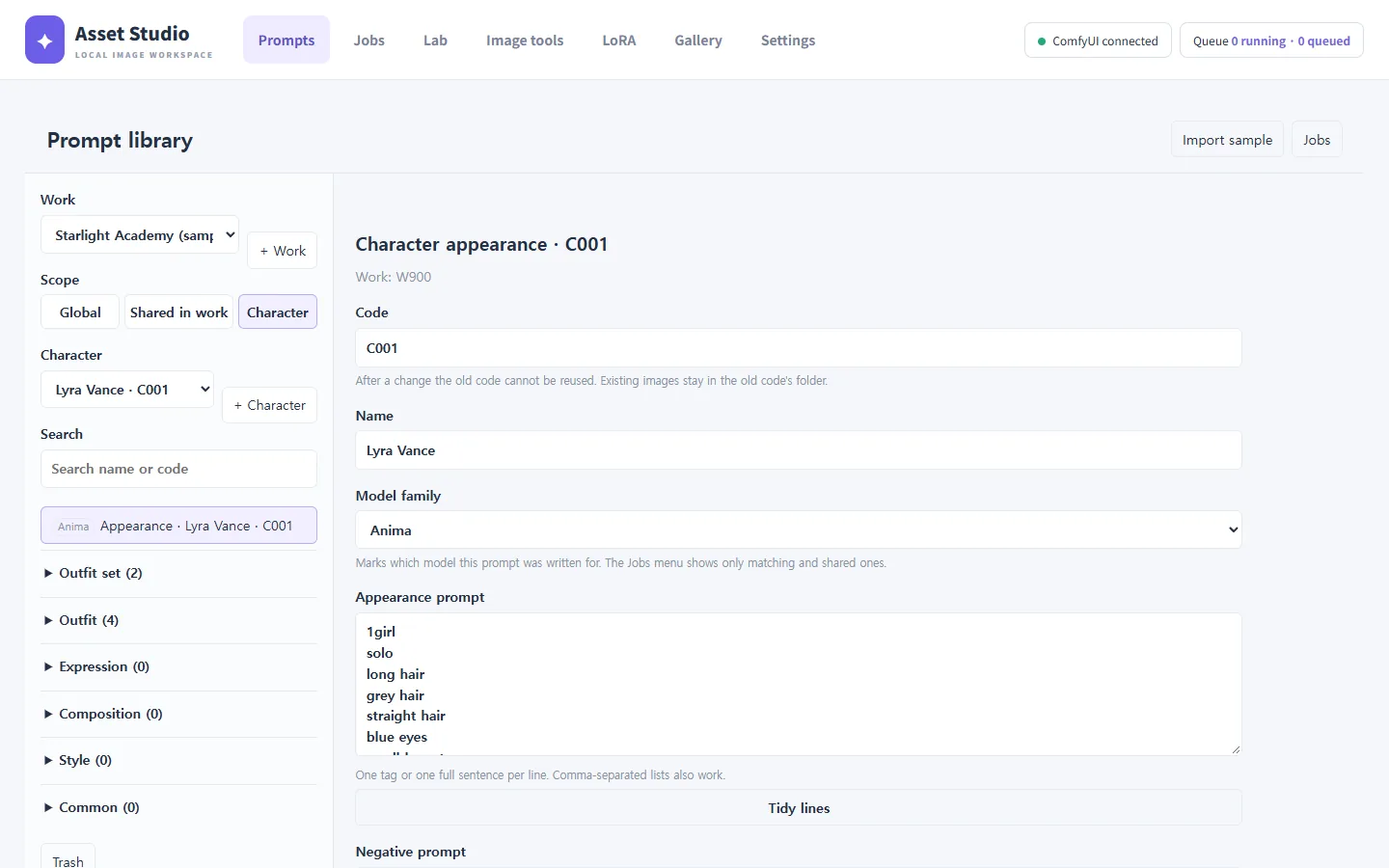
Prompt fields take one tag or one sentence per line. You can paste comma-separated tags too; Tidy lines splits them one per line. Danbooru tag autocomplete helps while you type (it can be turned off in Settings).
Kinds of pieces
| Category | Examples | Notes |
|---|---|---|
| Outfit | top, bottom, shoes, hands, all | Made per slot and grouped into outfit sets. |
| Expression | smile, surprised, thinking | General (SFW) and adult (NSFW). Each can name a default composition. |
| Composition | upper body, full body | Each suggests which outfit slots to include (upper body: hands and top). |
| Style | artist tags | Chosen when you generate. |
| Common | quality tags (positive), negative tags | Added to every image. |
Outfit sets
+ Outfit set groups outfit pieces by slot into one outfit. When you generate, only the slots that fit the composition are included, so shoe tags do not pull an upper-body image off frame.
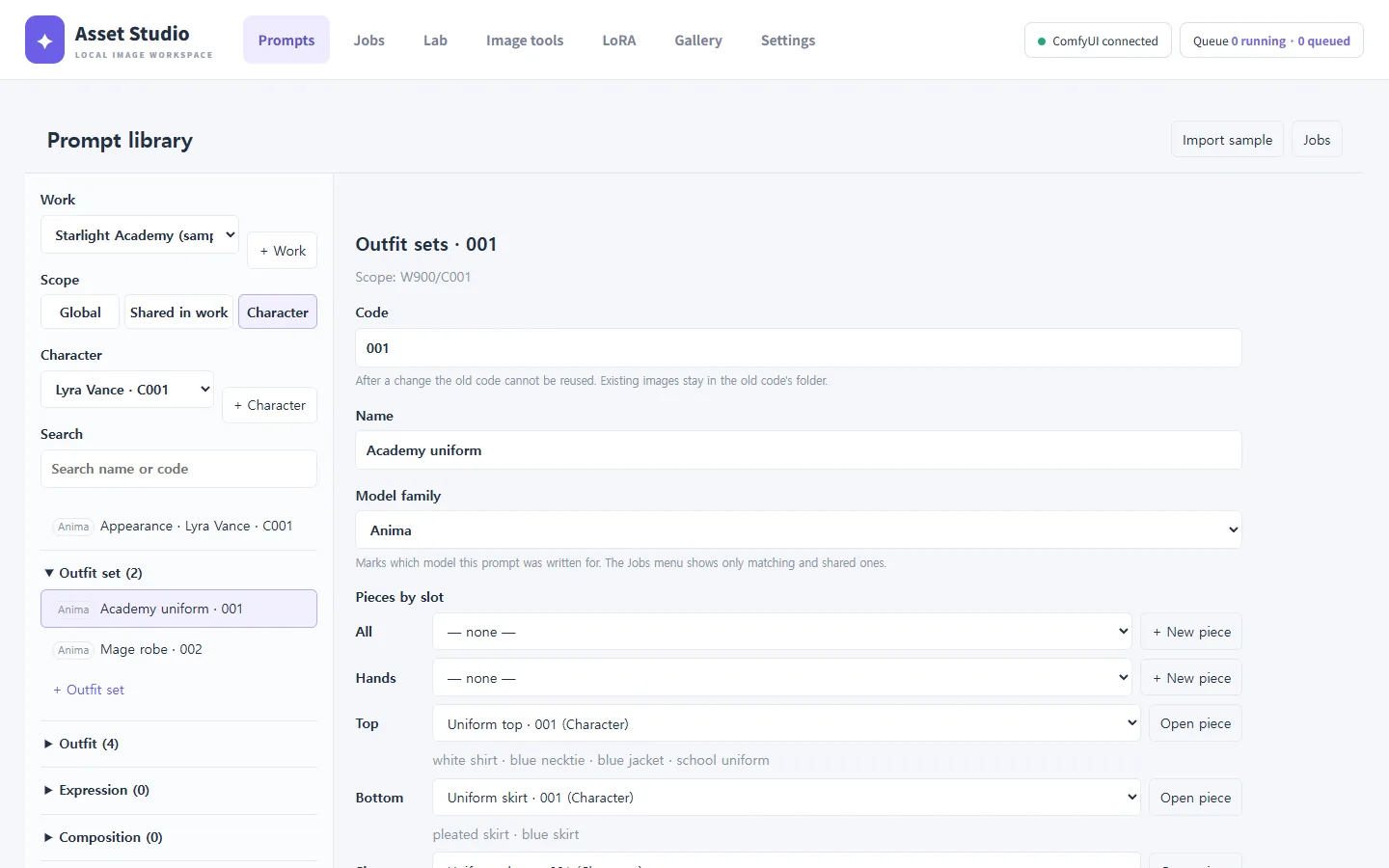
Scope: Global · Shared in work · Character
The scope buttons at the top left decide who can use a piece.
- Global: every work (for example quality tags).
- Shared in work: every character of that work (for example the sample's five expressions).
- Character: only that character (for example Lyra's uniform).
When pieces with the same code exist in several scopes, the closest one wins: character, then shared in work, then global.
Model family marks
Every piece is marked Anima, SDXL·IL or Shared. The Jobs menu shows only pieces that match the chosen model family, plus shared ones, so sentence-style Anima prompts do not end up in SDXL generations.
Deleting and the trash
Deleted pieces go to the library Trash, from where they can be restored.