Getting started
Asset Studio is a web app that works on top of ComfyUI on your own PC. You keep a character's appearance, outfits and expressions as prompt pieces, generate every combination you need in one batch, review the results, and train a LoRA for that character from the images you approved.
This guide walks through the screens once Asset Studio is installed. For installation and the models and nodes you need, see the README.
The overall flow
Prompt library → generate images → review in the gallery → train a LoRA → generate again with it
↘ image tools (tags, inpaint, background removal, censor)| Menu | What it does |
|---|---|
| Prompts | Create and edit prompt pieces: works, characters, outfits, expressions and more. |
| Jobs | Pick characters × outfits × expressions × count and queue them. |
| Lab | Try one prompt with several seeds or setting values and compare. |
| Image tools | Read metadata, tag, inpaint, remove backgrounds, censor, convert to WebP. |
| LoRA | Build a dataset from passed images, train, and register the result. |
| Gallery | Browse generated images and review them as pass or fail. |
| Settings | Language and theme, ComfyUI connection, LoRA training, GPU rules. |
The ComfyUI connection and the queue button are always at the top right.
Starting
Run launch.bat; your browser opens http://127.0.0.1:8195. ComfyUI must be running for generation and the image tools (default address http://127.0.0.1:8188).
On the first start the library is empty.
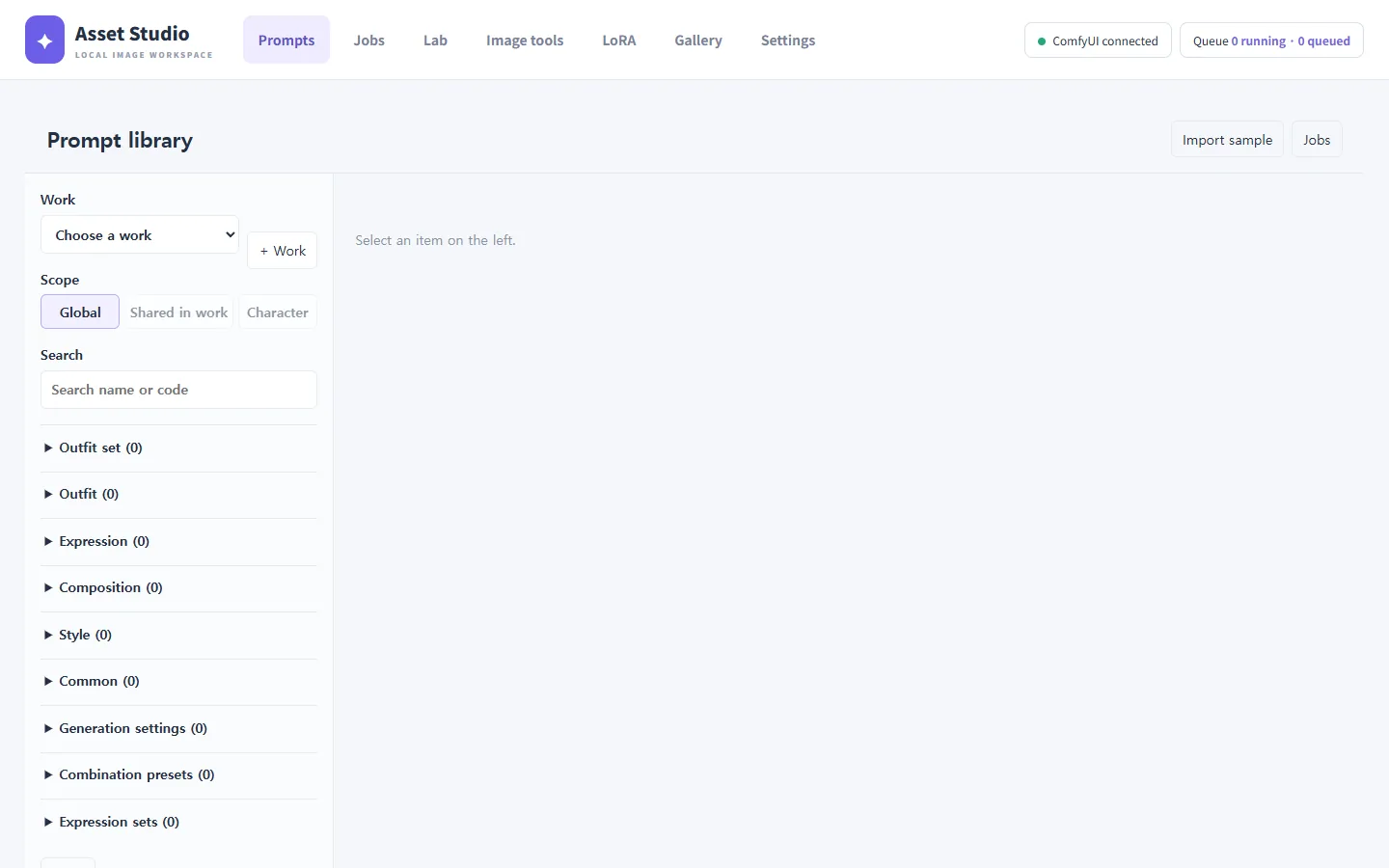
Start with the sample work
Press Import sample at the top right of Prompts to create the sample work "Starlight Academy". It has two students (Lyra Vance and Kai Rowan), a school uniform and a mage robe, five expressions and two compositions, so you can generate right away.
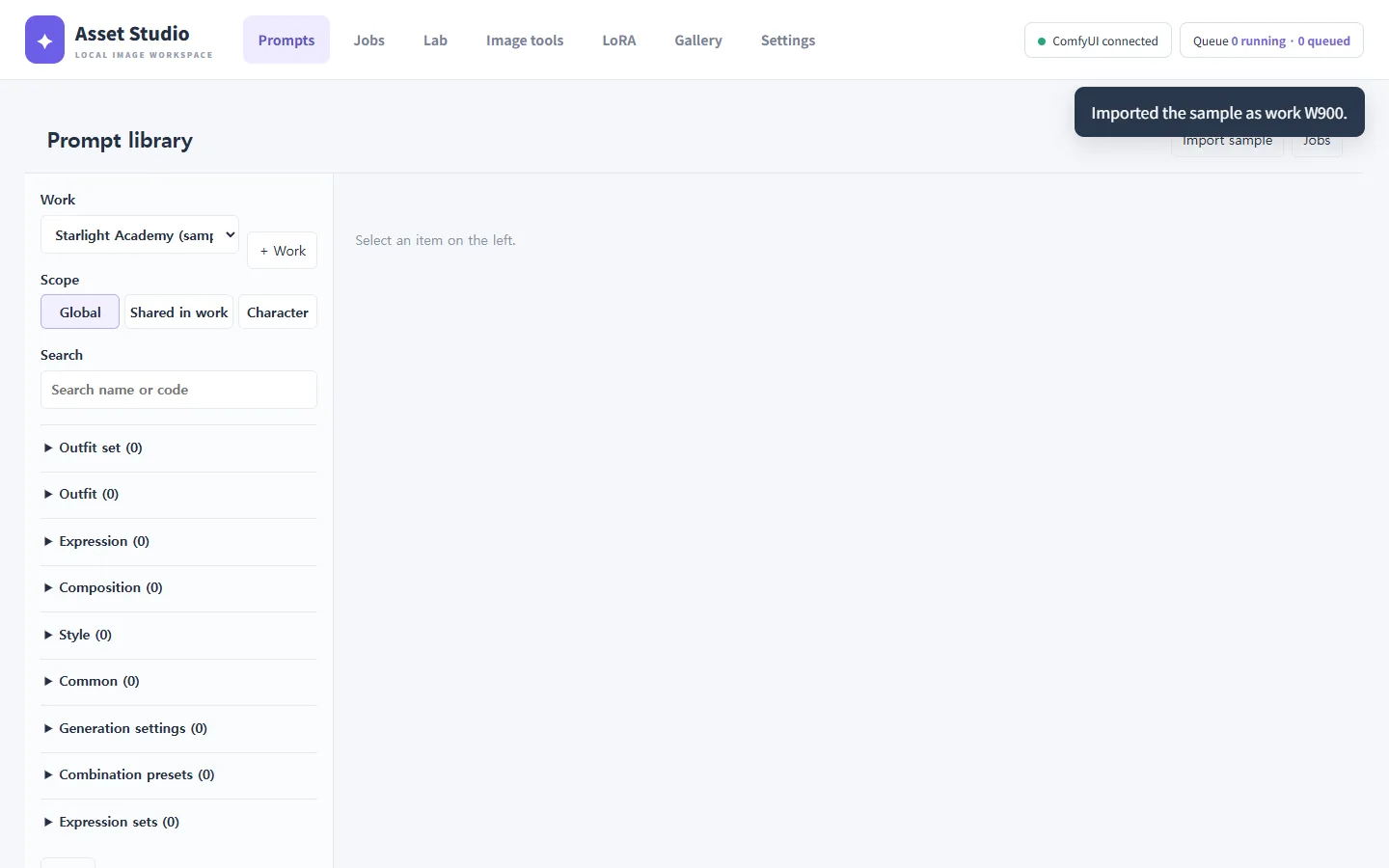
The sample has no generation settings (model, sampler). Choose a model under Generation settings the first time you generate.
Next steps
- Look at how the sample is built in the prompt library.
- Generate Lyra's five expressions.
- Pass the images you like in the gallery.
- Train Lyra's LoRA from the passed images in LoRA training.