Lab
The Lab is for trying one prompt freely, outside the library. Vary the seed, or change one setting at a time, and compare the results side by side. Results are saved in outputs/_lab/<date>/ and also appear in the gallery.
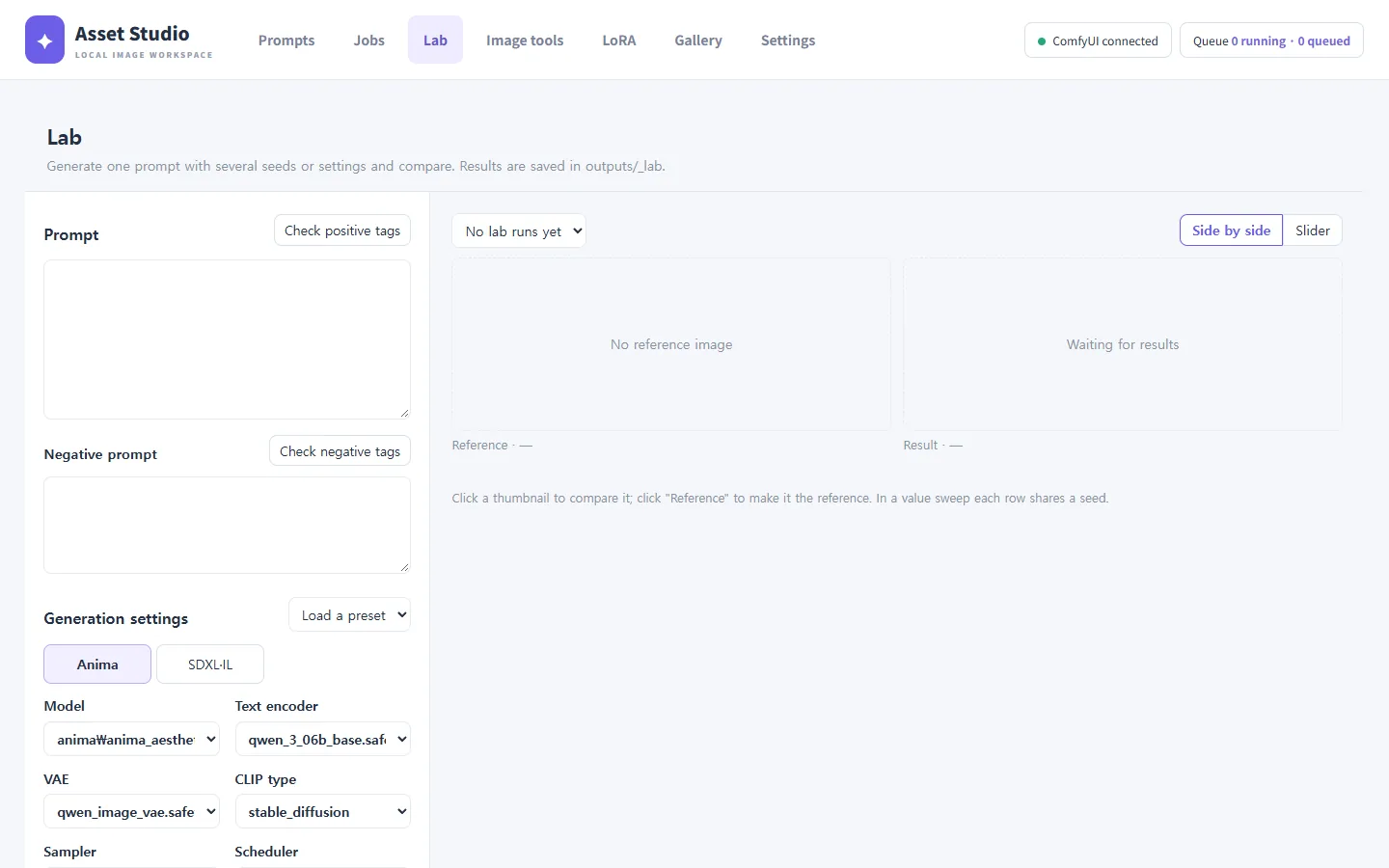
Prompt and generation settings
- Prompt / Negative prompt: write them yourself, with tag autocomplete. Check positive tags / Check negative tags point out tags Danbooru does not know.
- Generation settings: the same settings as in Jobs. Load a preset loads a saved generation preset; Save current settings as a preset creates one.
You can also hand things over from elsewhere:
- Open in Lab in the Jobs preview
- Open in Lab in the gallery's image view
- Open in Lab and Open tags in lab in the image tools
The source is shown at the top when something was handed over.
Comparing seeds
Generates as many images as Seeds, each with its own seed. Shows how stable a prompt is.
Comparing values
Pick one setting under Value to vary and list the values under Values, separated by commas.
| Setting | Example values |
|---|---|
| CFG | 3, 4.5, 6 |
| Steps | 20, 28, 36 |
| Sampler · scheduler | leave empty for the whole list |
| CLIP skip (SDXL) | 1, 2 |
| LoRA strength | 0.4, 0.7, 1.0 |
You get seeds × values images (shown as, for example, "2 seeds × 3 values = 6 images").
Comparing results
Choose two results as Reference and Result.
- Side by side: the two next to each other.
- Slider: one over the other; drag the edge to see the difference.
- Swap reference and result and Load the result's settings (brings the settings of the one you like back into the form) are available.